A review layer for prototypes

Pick the one worth building.

Four prototypes of the same screen can be built in a morning now. Choosing between them is the work that is left. TrialHeat puts them side by side, sends feedback to wherever each one is built, and narrows the field over heats until one wins.

HEAT 1 one out v2 HEAT 2 DECISION

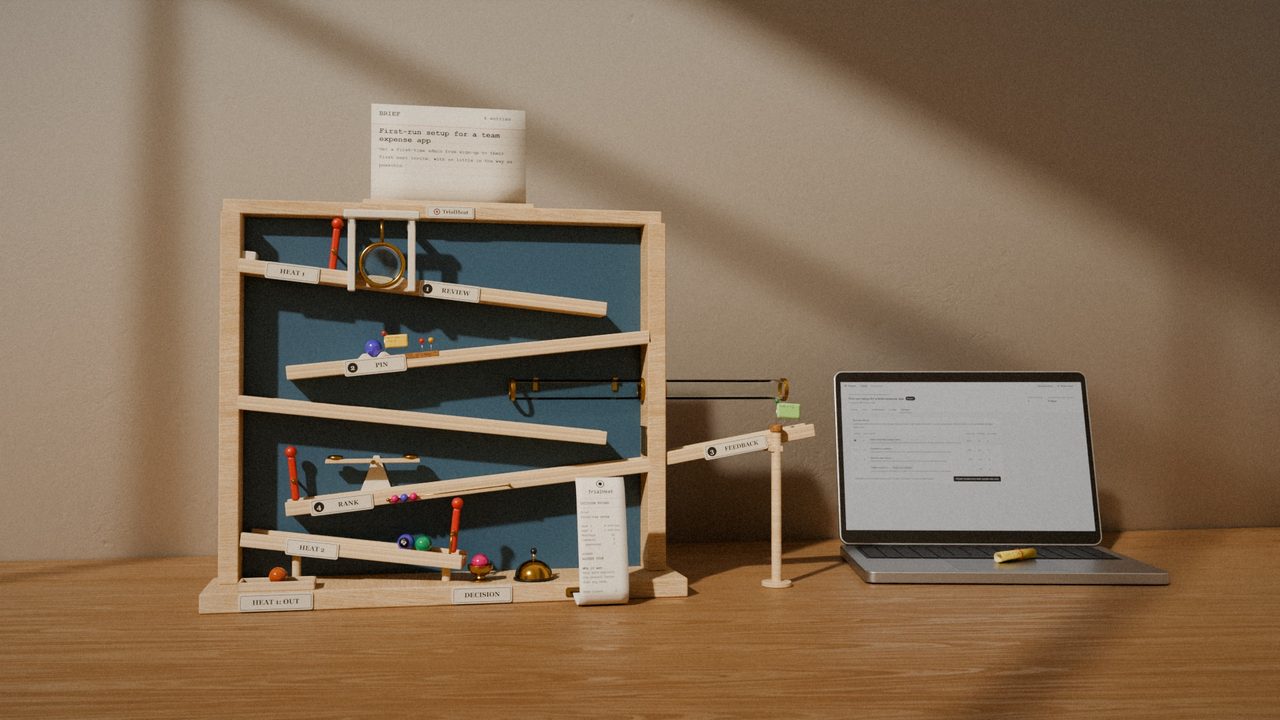
The Run: how TrialHeat works, as a wooden marble run. 58 seconds, with sound and captions.

How a heat runs

Seven stops between four prototypes and one decision.

They are the plates on the machine in the film, in the same order. Under each one is the real thing: TrialHeat running its demo, with one brief and four prototypes of a set-up screen for a made-up expense app called Outlay.

Heat 1

One brief. Four entries.

A heat starts with the problem written down: what is going wrong, what a good answer does, and three to five criteria, each with a weight. Then the prototypes go in beside it, all answering the same brief.

  • An entry is a link to a page that already runs, or a GitHub repo with a branch or a pull request.
  • Anyone on the team can add one, by hand or straight from the AI tool they built it with.
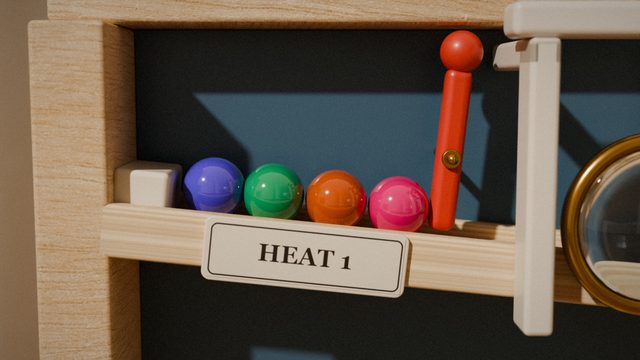
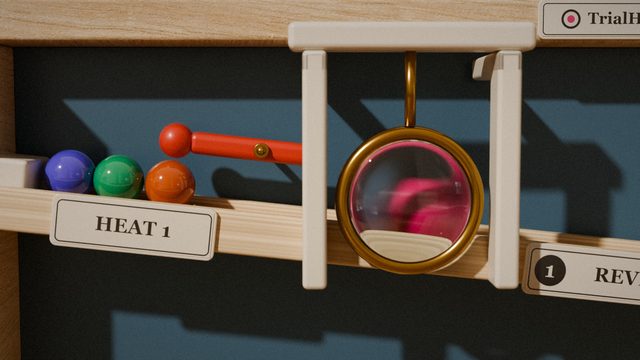
Four marbles, pink, orange, green and purple, wait behind a red lever marked Heat 1.
The brief page in TrialHeat: the problem, four weighted criteria, and four entries in heat 1, each with a thumbnail of its prototype.
The brief, its criteria and their weights, and the four entries in heat 1.
1. Review

Each one gets a proper look.

Open an entry and TrialHeat shows the prototype itself, framed live from wherever it is hosted, at desktop or phone width. Score it on the brief’s criteria while it is in front of you.

  • If a page refuses to be framed, or sits behind a login, the entry opens in a new tab instead.
  • Once someone has reviewed an entry it is part of the record. A new version is the way to change what it shows.
A marble rolls under a brass-rimmed magnifying lens on the level marked Review.
An entry open in TrialHeat: the Step-by-step wizard prototype framed on the left, with two pinned comments listed on the right.
An entry open for review: the prototype on the left, its comments, scores and history on the right.
2. Pin

A comment goes on the exact thing it is about.

Click the element and write. The pin stays on that button when the page scrolls and after a reload, and the comment keeps a screenshot of what the reviewer was looking at.

  • Pins need one script tag on the prototype’s page. TrialHeat says so when it is missing.
  • A comment about the whole version needs no pin.
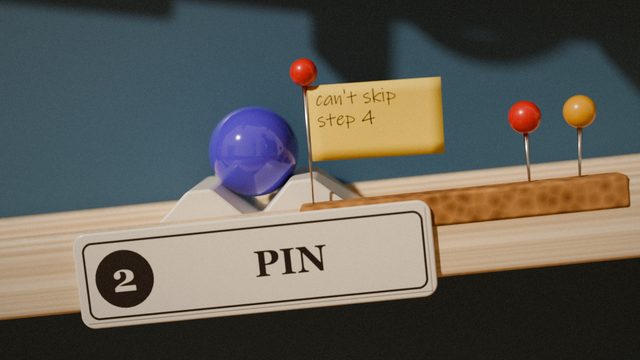
The purple marble sits in a cradle at the station marked Pin. A small yellow flag beside it reads: can’t skip step 4.
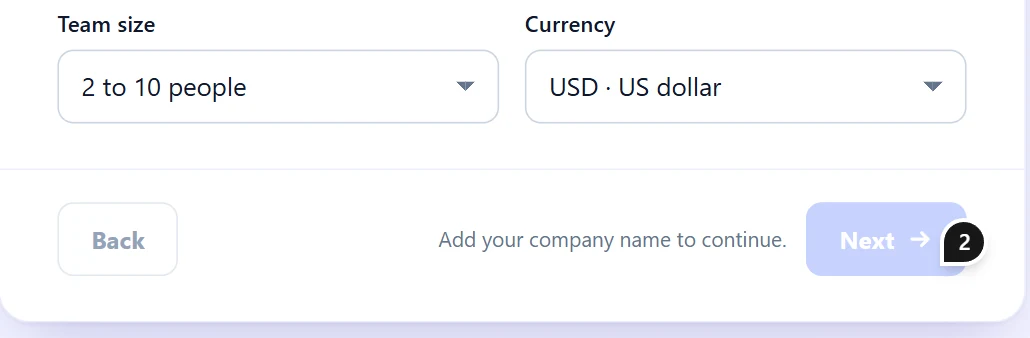
The foot of the wizard, close up. A black pin numbered 2 sits on the corner of the Next button.
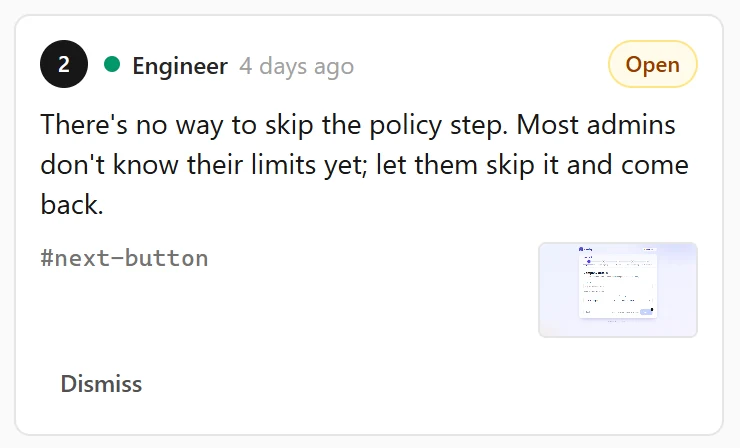
Comment 2, from the Engineer: There’s no way to skip the policy step. Most admins don’t know their limits yet; let them skip it and come back. Under it, the element’s name, #next-button, and a small screenshot.
Pin 2 is on the Next button. Its comment carries the element’s name, #next-button, and a screenshot of what the reviewer saw.
3. Feedback

Feedback goes to wherever it was built.

Tick the comments worth acting on and send them. They arrive as a GitHub issue, as a comment on the pull request, or in the builder’s AI tool over MCP, each with the element it is pinned to. The fix is made there, by their tools, in their repo.

  • A new version comes back linked to the feedback that prompted it, and its comments show as addressed.
  • Compare version 1 and version 2 side by side.
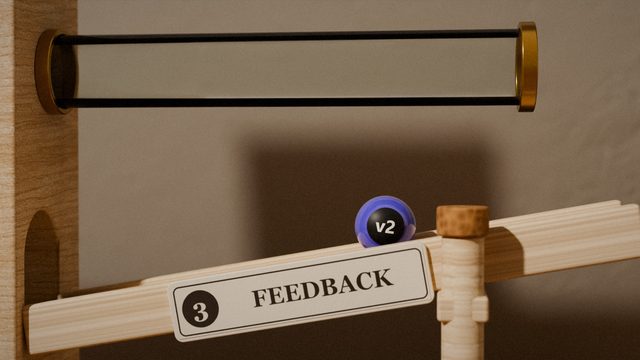
A purple marble with a black tag reading v2 comes down a chute marked Feedback.
4. Rank

Two at a time. Which one better meets the brief?

Ranking four prototypes in your head is hard. Choosing between two is not. TrialHeat shows a pair side by side and asks which better meets the brief: A, B, or too close to call, with one line on why.

  • The leaderboard ranks by head-to-head win rate first, then by criteria score.
  • It says so when rank and criteria disagree, and lists the entries that still need more matchups.
Two marbles sit at either end of a small wooden see-saw at the station marked Rank. A bead on a wire below counts the winner.
The Rank page: two prototypes side by side, labelled A and B. Underneath, the question Which better meets the brief? and three buttons: A is better, Too close to call, B is better.
A matchup. Underneath it, the question and its three answers.
Heat 2

The heat closes. Fewer go through.

The brief’s owner closes the heat and picks who advances. The next heat opens with those entries only, and the work gets narrower: fewer prototypes, more attention on each.

  • A closed heat’s leaderboard is frozen, and stays there to read.
  • The lineage shows every version, the feedback behind it, and where each entry dropped out.
The orange marble rests in a felt tray marked Heat 1: out. The other three roll on to the level marked Heat 2.
The leaderboard for heat 1: three entries ranked by win rate, each with its criteria scores, and one entry listed as needing more matchups.
Heat 1’s leaderboard: win rate, matchups judged, and the score on each criterion.
Decision

One winner. And the reason, on paper.

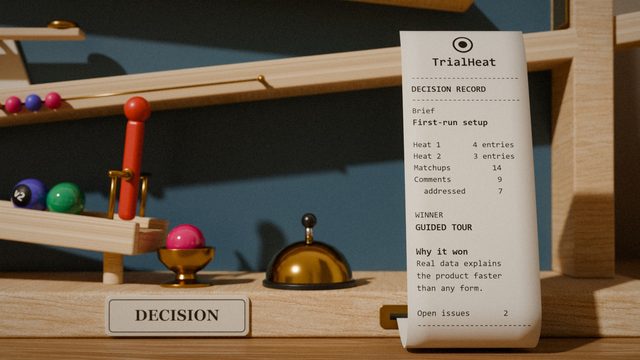
When the field is small enough, the owner picks the winner and TrialHeat drafts the decision record from what happened: the brief, each heat’s leaderboard, the feedback the winner answered, and the reasons people gave in its matchups.

  • Edit any line, export it as Markdown, or post it to the repo as an issue.
  • Months later, the answer to “why did we build this one?” is one page.
The pink marble sits in a brass cup beside a bell. A printed slip headed TrialHeat, decision record, stands next to it.
The Decision page: the four entries listed with win rate and criteria score, and Guided tour with sample data selected as the winner.
Picking the winner. The record is drafted straight afterwards.

Your tools do the building

TrialHeat never builds, edits or hosts a prototype.

Every change is made by your team’s own tools, in your team’s own repo. TrialHeat is the layer in between: it shows each prototype where it already runs, and carries the feedback back to where it was built.

Three ways in and out

A link

Any page that already runs

Paste the URL of a prototype, wherever it is hosted. TrialHeat checks once whether the page can be shown in a frame, and says which header to change if it cannot.

  • Feedback for a link is passed on by hand, or collected by the builder’s AI tool.

GitHub

A repo, with a branch or a pull request

Feedback is posted as an issue, or as a comment on the pull request. The next version arrives by itself when the team pushes.

  • The decision record can be posted to the repo too.

MCP

Straight from the tool that built it

TrialHeat is also an MCP server. Claude Code, Claude Desktop, Cursor and other AI tools can send a prototype for review, read the feedback and send the next version, without anyone opening TrialHeat.

  • “Send this prototype to TrialHeat for review.”
  • “Act on the feedback from TrialHeat.”
The whole marble run as the film ends: the brief card at the top, a flag at the pin, the beads on the tally, one marble in the tray marked out, one in the brass cup, and the printed slip standing beside it.

What is left at the end

Every station keeps its part of the record.

The brief and its criteria. Each comment, on the element it was about. Which feedback led to which version. Every matchup, and the line that went with it. Each heat’s leaderboard, frozen when it closed. And one page that says which prototype won, and why.

Questions

Where it is up to, and how it works.

Can I use it today?

Not yet. TrialHeat today is a working prototype of the whole loop on this page, built for a pilot with one team and not for scale: it runs as one process, with its database in a folder. Leave your email below and we will write when there is something you can try.

Does TrialHeat host or change our prototypes?

No. TrialHeat needs a URL that already works, and shows that page in a frame from its own host. The only parts of a prototype it keeps are the screenshot and the element attached to a pinned comment. Every change is made by your own tools, in your own repo.

What if a prototype cannot be shown in a frame?

TrialHeat checks each link once when it is added. A page that refuses framing, or sits behind a login, still gets an entry: it opens in a new tab instead, and TrialHeat says which header to change if you would rather it framed.

How is the ranking worked out?

By head-to-head win rate first: wins plus half of ties, over the matchups judged. Then by criteria score: each criterion’s average across reviewers, weighted as the brief says. Only an entry’s latest version counts, and it is ranked once that version has three matchups.

Who can see what?

Everyone you let in sees every brief and everything in it; there are no per-brief permissions yet. While a heat is open, people see only their own picks, and everyone’s show once it closes. Only a brief’s owner can close its heats, pick the winner and write its decision record.

Which AI tools can send prototypes to it?

Any tool that speaks MCP over HTTP, such as Claude Code and Cursor. Claude Desktop connects through a small bridge script that comes with TrialHeat. Each person connects a tool with their own token, and the tool can do what that person can do, under the same rules as the pages.

Want to run a heat with your team?

TrialHeat is not open yet. Today it is a working prototype of this whole loop, built to be tried with one team at a time. Leave your email and we will write when there is something you can try.

One email when there is something to try. No newsletter. What we keep

You are on the list.

We will write once, when there is something you can try.